 SquatLock™
A pause before bedtime scrolling
If you keep opening social apps in bed, choose those apps in SquatLock before the evening. The squat step gives you a moment to decide whether to open them. This is an app lock, not an automatic bedtime schedule.
Free to get started. Available on iPhone and Android.
Phone to chest. Then just squat.
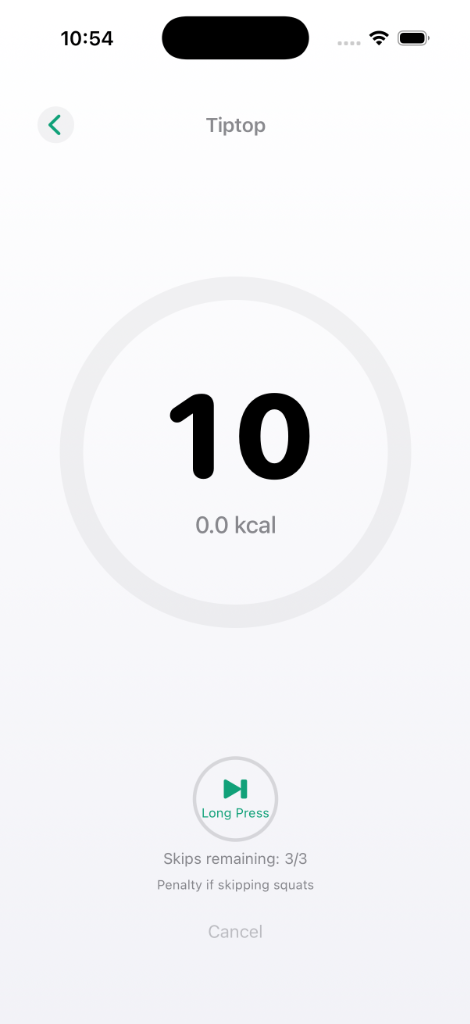
When you try to open a locked app, the SquatLock screen appears. Hold your phone to your chest and squat.
Questions & answers
How is this different from Screen Time?
Screen Time helps you review usage and set time limits. SquatLock adds a squat step before opening an app you choose.
Does SquatLock make you squat to open apps?
Yes. Choose the apps you want to lock, and SquatLock locks them. Do squats to open them. The app is free to use with ads.
Before the next video, squat.
Free to get started. Available on iPhone and Android.