A break in the short-video scroll.
Keep watching TikTok, Reels or YouTube Shorts and you’ll get a squat cue. On Android, the cue follows a run of short-video swipes; on iPhone, it follows the usage time you set. It never reads what you’re watching.
 SquatLock™
Opening TikTok for one video and staying longer? Add a movement break. Choose an app lock before opening, or use the short-video blocker while watching.
Free to get started. Available on iPhone and Android.
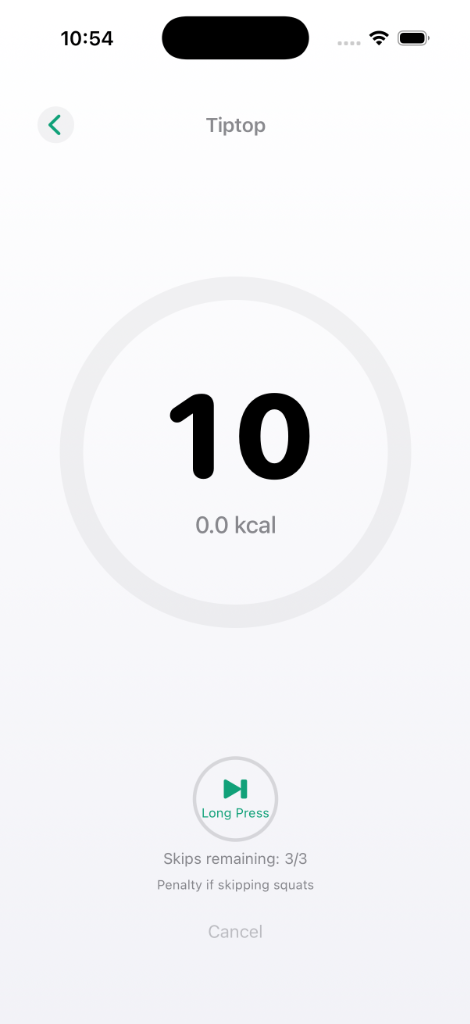
When you try to open a locked app, the SquatLock screen appears. Hold your phone to your chest and squat.
Keep watching TikTok, Reels or YouTube Shorts and you’ll get a squat cue. On Android, the cue follows a run of short-video swipes; on iPhone, it follows the usage time you set. It never reads what you’re watching.
Yes. Choose the apps you want to lock, and SquatLock locks them. Do squats to open them. The app is free to use with ads.
Screen Time helps you review usage and set time limits. SquatLock adds a squat step before opening an app you choose.
Free to get started. Available on iPhone and Android.